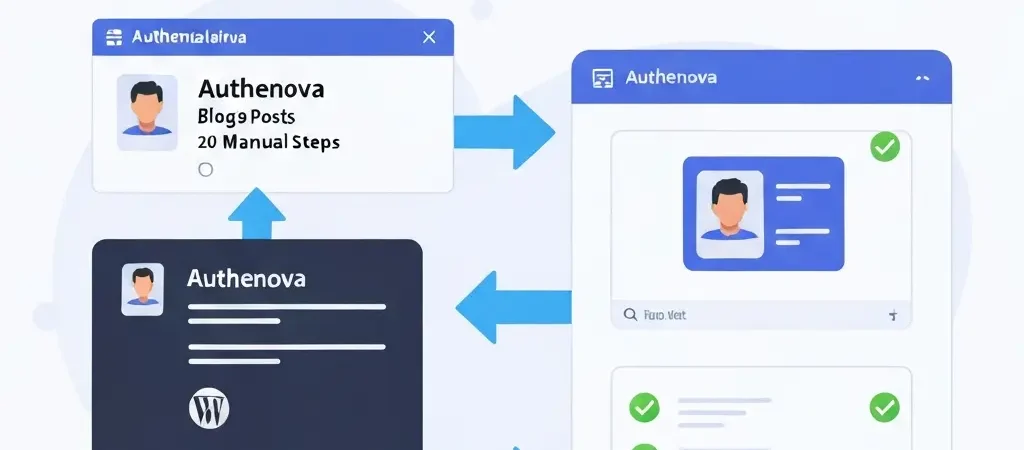
Auto Publish Blog Posts with Authenova: Zero-Click Publishing in 2026
Most “auto publish” blog tools still require you to write the post first. Authenova eliminates that step entirely. With Authenova’s zero-click publishing workflow, you configure your content strategy once — keywords, brand voice, publishing schedule — and the platform generates, optimizes, and auto publishes blog posts to WordPress completely automatically. You don’t touch anything between strategy setup and articles appearing live on your site.
This guide explains exactly how Authenova’s auto-publishing works, what workflow modes are available, and how to set it up for your WordPress site in under an hour.
Authenova Auto-Publishing Workflow Modes
Authenova offers three publishing modes to match your quality control needs:
AUTO_PUBLISH
Articles generate and publish live to WordPress automatically — no human review step. Best for: established sites with proven content quality, low-competition long-tail keywords, and teams confident in their brand voice configuration. The fastest path to publishing velocity.
SCHEDULED
Articles generate and are scheduled to publish at your defined date and time. You have a window between generation and publication to review if desired — but the publish event is still automatic. Best for: most content teams who want automation with optional oversight.
DRAFT_ONLY
Articles generate and land in your WordPress drafts queue. A human reviews and manually publishes each article. Best for: high-stakes content, YMYL topics, or when establishing a new content strategy and wanting to validate quality before going fully automated.
What Authenova Auto-Publishes to WordPress
When Authenova auto-publishes a blog post, the WordPress Plugin sets every field automatically:
- Post title: SEO-optimized with focus keyword
- Post content: Clean HTML with proper structure
- Focus keyword: Set in Rank Math or Yoast meta fields
- Meta title and description: Set in SEO plugin fields
- Open Graph tags: OG title, description, and image URL
- Categories and tags: Assigned per strategy configuration
- Featured image: AI-generated image attached and set
- Schema markup: Injected as JSON-LD in post head
- Publish status: Published (AUTO_PUBLISH) or Scheduled (SCHEDULED mode)
Nothing is left blank. Nothing requires manual completion. This is why Authenova auto-publishing is categorically different from tools that “publish to WordPress” but still require manual SEO setup.
Setting Up Auto-Publishing in 4 Steps
Step 1: Install the Authenova WordPress Plugin
Download from your Authenova dashboard. Upload via WordPress Plugins → Add New → Upload Plugin. Activate and enter your API key in Settings → Authenova. Takes 5 minutes.
Step 2: Create Your Content Strategy
In Authenova: create a strategy with your brand voice, keywords, and content architecture. Set your publishing schedule (days, times, velocity). This is your one-time configuration step.
Step 3: Choose Your Workflow Mode
Set to AUTO_PUBLISH for complete hands-off publishing, SCHEDULED for time-delayed automation, or DRAFT_ONLY for articles that need human review. You can change this at any time.
Step 4: Enable and Monitor
Enable your strategy. Articles begin generating and publishing on your schedule. Check Google Search Console weekly to monitor indexing. See our broader guide on automated blog writing for a complete operational setup guide.
What Happens After You Auto-Publish
Once Authenova auto-publishes a blog post to WordPress:
- WordPress pings search engines (Google, Bing) via XML sitemap update
- Google Search Console picks up the new URL within hours on established sites
- Googlebot crawls and indexes the article (typically within 24-72 hours)
- Article enters ranking pipeline for its target keywords
- Performance data appears in GSC impressions within 2-4 weeks
Sites like iQuitNow.life saw consistent organic growth by maintaining continuous auto-publishing through Authenova — each auto-published article compounds the topical authority signals that accelerate ranking for future articles. Tesify‘s multilingual operation demonstrates this at scale — hundreds of auto-published articles across five languages, each building the domain authority that makes the next article rank faster.
Frequently Asked Questions
Can I pause auto-publishing without losing my strategy configuration?
Yes. In Authenova, you can pause any strategy at any time. Your keyword queue, brand voice configuration, and publishing schedule are all preserved. Resuming the strategy picks up exactly where it left off. This is useful when you want to review a large batch of generated articles before they go live.
What happens if WordPress is down when Authenova tries to auto-publish?
If WordPress is temporarily unavailable, Authenova queues the article and retries publishing automatically. The article is not lost — it remains in your Authenova content library and will publish as soon as WordPress responds. You’ll see the publish status in your Authenova dashboard, including any retry events.
Can I auto-publish blog posts to multiple WordPress sites simultaneously?
Yes. Authenova supports multiple websites, each with their own WordPress Plugin connection and independent strategies. Each site receives only the articles targeted for it — no cross-publishing of content. This makes Authenova ideal for agencies managing multiple client WordPress sites or publishers with multiple content properties.
Auto-Publish Your Next Blog Post in Under an Hour
Set up Authenova, configure your strategy, and your first article publishes automatically. Zero manual steps. Zero formatting. Zero metadata entry.