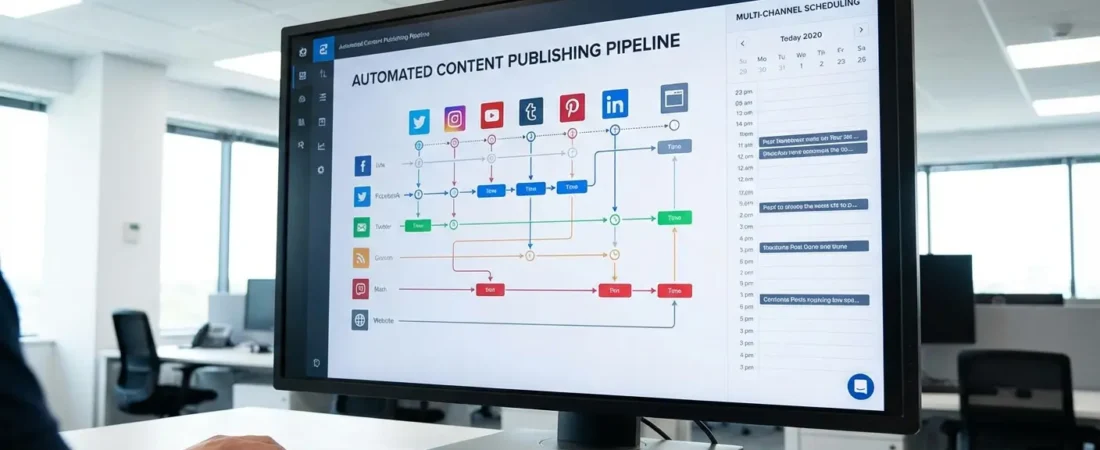
Automated Content Publishing: Get 1K Visits in 30 Days
Most WordPress site owners publish one or two posts a week, watch the traffic flatline, and quietly wonder what they’re doing wrong. Here’s the uncomfortable truth: content volume matters — but only when it’s paired with SEO structure. Publish ten random posts and you’ll get ten random readers. Publish ten strategically structured posts using automated content publishing workflows, and you can realistically hit 1,000 organic visits in your first 30 days.
That’s not a guess. According to HubSpot’s 2026 State of Marketing report, brands using AI-assisted content workflows publish 3x more content without proportional increases in headcount — and the traffic gains follow. The question isn’t whether automation works. It’s whether you’re using the right WordPress SEO tools to make it work for your site.
This guide walks you through a concrete 30-day plan. No vague advice. Just a working system.
What Is Automated Content Publishing?
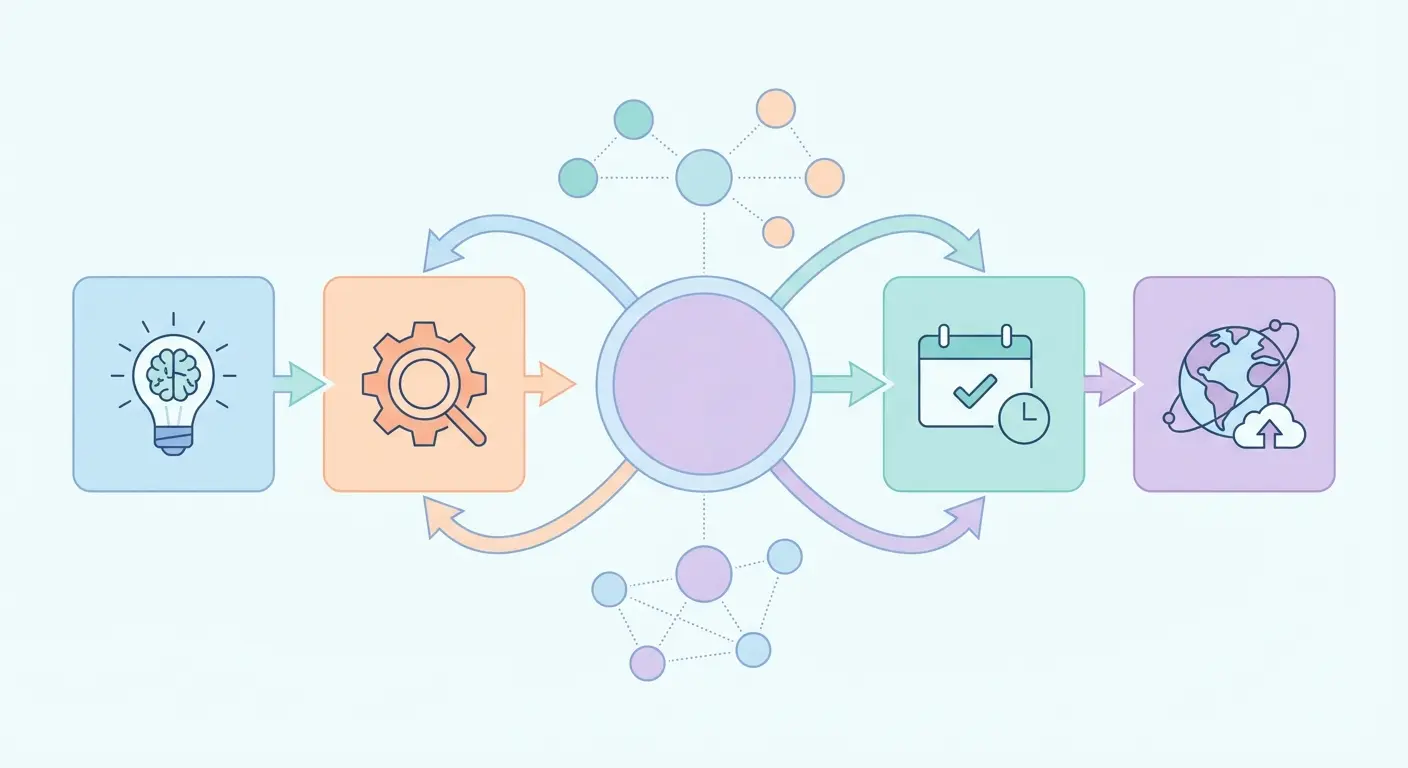
Think of it less like “a robot writes your blog” and more like “you design the system once, then it executes while you focus on strategy.” The best implementations still involve human oversight — you’re setting the rules, choosing the topics, reviewing the output. What you’re eliminating is the repetitive manual work: drafting outlines, formatting posts, adding meta tags, updating sitemaps, interlinking articles.
Here’s what most people miss: automated publishing isn’t just about speed. It’s about consistency. Google’s algorithm rewards sites that publish regularly on clearly defined topic clusters. A site that drops 12 well-structured posts over 30 days on a focused niche will consistently outrank a site that publishes 2 posts scattered across unrelated topics — even if those 2 posts are beautifully written.
For a deeper look at how AI-driven workflows fit into a larger content strategy, the Complete Guide to AI-Powered SEO Content Strategy in 2026 breaks down the automation pipelines and scheduling logic that make this approach sustainable at scale.
WordPress SEO Tools You Actually Need
There’s no shortage of plugins claiming to “automate SEO.” Most of them automate one thin slice of the problem. The real workflow requires a few tools working together.
The Core Stack for Automated WordPress Publishing
| Tool / Plugin | Function | Best For |
|---|---|---|
| Authenova Plugin | AI content generation + auto-publish with full SEO meta | Full pipeline automation |
| Yoast SEO / Rank Math | Meta tags, schema markup, XML sitemaps | On-page SEO foundation |
| WP All Import | Bulk import content from CSV/XML/Google Sheets | Batch content upload |
| Editorial Calendar / PublishPress | Visual scheduling and post queue management | Editorial workflow control |
| WP Rocket / Perfmatters | Page speed optimization | Core Web Vitals scores |
One tool people often skip: page speed optimization. This is a mistake. According to Ahrefs’ WordPress page speed guide, a 1-second delay in load time can cut organic rankings by 5-10 positions. You can publish 30 perfectly optimized posts — and lose most of that traffic if your site loads in 4 seconds.
For post scheduling specifically, WPBeginner’s guide to auto-scheduling WordPress posts covers the native WordPress scheduler plus third-party queue tools in plain language — worth bookmarking if you’re setting up your first automated workflow.
The 30-Day Automated Publishing Plan
Here’s where this gets concrete. The following plan is built around one core principle: publish topically clustered content on a consistent schedule. That’s it. Everything else is execution.
Week 1: Strategy and Setup (Days 1–7)
- Pick your niche cluster. Choose one topic you want to rank for. Not five topics — one. Your first 30 days should establish topical authority in a single area.
- Identify 12–15 long-tail keywords. Use a tool like Ahrefs, Semrush, or even Google’s “People Also Ask” boxes. Target keywords with 100–1,000 monthly searches and low competition. For keyword selection strategy, the Long-Tail Keyword Strategy guide breaks down exactly which micro-intent topics convert fastest.
- Map your content architecture. Assign one keyword per post. Designate one as your pillar page (the broad overview), then build 8–10 cluster articles around it. This pillar-cluster model is covered in depth in the Pillar-Cluster Content Strategy guide — the internal linking logic alone is worth the read.
- Install and configure your tool stack. Get Yoast or Rank Math live, verify your sitemap is indexed in Google Search Console, and set your permalink structure to post-name.
- Configure your automated publishing plugin. Whether you’re using Authenova, WP All Import, or a custom workflow — set your post schedule before you generate any content.
Week 2–3: Content Generation and Publishing (Days 8–21)
- Generate your cluster articles. Aim for 800–1,200 words per cluster post. Each post should target one long-tail keyword, answer one specific question, and link back to your pillar page.
- Schedule at a rate of 1 post per day. Don’t dump everything at once. Google’s crawl patterns reward consistent publishing over time. Drip-feeding content at 1/day is more effective than publishing 14 posts in 48 hours.
- Add internal links manually on first review. Automated tools handle most linking, but spend 5 minutes per post checking that each article links to at least 2 others in your cluster.
- Submit each new URL to Google Search Console. Use the URL Inspection tool to request indexing. Don’t wait for Googlebot to find posts on its own — especially in weeks 1–3.
Week 4: Optimize and Scale (Days 22–30)
- Check which posts got impressions in Search Console. Any post with 50+ impressions in its first 2 weeks is a candidate for expansion — add 300 words, update the title tag, or add an FAQ section.
- Identify your “almost ranking” keywords. Posts in positions 11–20 are the easiest wins. Improve those pages first.
- Set up auto-social sharing. WPBeginner’s LinkedIn auto-publish guide shows how to push posts to social channels automatically — each share drives early traffic that signals engagement to Google.
How the Authenova Plugin Fits Into This Workflow
Most of the steps above can be done manually. But if you’re managing a WordPress site solo — or running content for multiple clients — the manual version stops scaling around week two.
The Authenova WordPress Plugin was built specifically for this workflow. Install it on your WordPress site and it connects directly to the Authenova platform in one click. From there, it:
- Syncs your existing site data — pages, categories, tags, metadata — so AI-generated content fits naturally into your existing structure
- Receives AI-generated articles from the platform and publishes them with full SEO optimization already applied: schema markup, meta title, meta description, internal links, proper category assignment, sitemap updates
- Schedules content at a pace you define — daily, twice weekly, or custom
- Handles pillar-cluster architecture automatically, so your content isn’t just published — it’s organized in a way Google can crawl and understand
What makes this different from a generic AI writing tool is the WordPress-native integration. There’s no copy-pasting, no formatting cleanup, no forgetting to add the meta description. The content lands in your dashboard ready to go.
If you’re building toward 1K visits in 30 days, the plugin removes the two biggest bottlenecks: content production speed and SEO consistency across every post.
Connect your WordPress site, define your topic cluster, and let the platform generate your first pillar-cluster content set.
What Google Says About AI-Generated Content
This question comes up every time automated publishing is discussed, so let’s address it directly.
Google’s official guidance on AI-generated content is clear: Google doesn’t penalize content because it was written by AI. It penalizes content that’s unhelpful, low-quality, or designed to manipulate rankings — regardless of how it was produced. The distinction matters.
What this means practically: automated content that answers real questions, covers a topic with appropriate depth, and provides genuine value is treated the same as human-written content by Google’s systems. The E-E-A-T framework (Experience, Expertise, Authoritativeness, Trust) applies equally to both.
The risk isn’t AI. The risk is publishing thin, repetitive, or factually questionable content at scale. That’s always been a problem — AI just makes it easier to do at volume. The safeguard is having a human review layer in your workflow, even a lightweight one.
3 Mistakes That Kill Automated Publishing Results
Fair warning: these are the patterns that show up most often in sites that set up automated workflows and still don’t see traffic growth after 30 days.
1. Publishing Into an Unindexed Site
If Google Search Console shows crawl errors, or your sitemap isn’t verified, or your robots.txt is accidentally blocking Googlebot — automated publishing produces zero results. Fix indexation before you publish anything.
2. Targeting Keywords That Are Too Competitive
Going after “best WordPress plugins” with a 3-month-old domain is a losing game. New sites need to target long-tail keywords with DR-appropriate competition. A keyword with 200 monthly searches and a top-3 competitor with DR 40 is far more winnable than a 10,000/month keyword dominated by Forbes and HubSpot.
3. Skipping Internal Links
Automated content tools publish posts. They don’t always wire up internal links correctly across the full cluster. If your cluster articles don’t link to your pillar page — and to each other — Google can’t establish the topical relationship between them. This kills the authority-building effect that makes the cluster model work. Check every published post for at least 2–3 internal links within your topic cluster.
FAQ: Automated Content Publishing and WordPress SEO
Can automated content publishing really get 1,000 visits in 30 days?
Yes — for sites in low-to-medium competition niches targeting long-tail keywords, 1,000 visits in 30 days is achievable with a consistent publishing schedule of 10–15 well-optimized posts. New domains in highly competitive niches may need 60–90 days to see significant organic traction, but the same approach applies. Early traffic from social sharing and email can close the gap in month one.
Is automated content publishing safe from a Google penalty perspective?
Google doesn’t penalize content for being AI-generated — it penalizes low-quality, unhelpful, or spammy content. Automated publishing is safe when the output is accurate, well-structured, and genuinely useful to readers. Adding a human review step and ensuring factual accuracy are the key safeguards. Google’s own documentation confirms this position clearly.
What’s the best WordPress plugin for automated content publishing?
The best choice depends on your workflow. For a full end-to-end pipeline — AI content generation, SEO optimization, and scheduled publishing in one system — the Authenova WordPress Plugin handles everything natively inside WordPress. For bulk importing content you’ve already prepared, WP All Import is the most flexible option. Pair either with Yoast SEO or Rank Math for on-page SEO coverage.
How many posts do I need to publish to see results in 30 days?
For most niches, 10–15 posts structured as a pillar-cluster set gives Google enough content to establish topical authority and begin ranking individual articles. Publishing fewer than 8 posts in a 30-day window typically doesn’t generate enough crawl signals to move rankings meaningfully. Consistency matters as much as volume — daily publishing outperforms batch drops.
Do I need to manually review every automated post before it publishes?
Ideally, yes — at least a 5–10 minute review per post to check factual claims, add any site-specific context, and verify internal links. This doesn’t have to be a full edit. Catching one inaccurate statistic or a misaligned tone before publishing is worth the few minutes. Over time, as you tune your content templates and prompts, review time decreases significantly.
Start Your Automated Publishing Workflow
The 30-day plan above works. The tools exist. The only variable is whether you set up the system or keep publishing manually and hoping for different results.
If you want to go deeper on the strategy side before setting up automation, these three guides cover the pieces that matter most for automated content publishing and WordPress SEO success:
- Complete Guide to AI-Powered SEO Content Strategy in 2026 — full automation pipeline walkthrough
- Long-Tail Keyword Strategy: The SEO Growth Engine Most Marketers Overlook — which topics to target first
- Pillar-Cluster Content Strategy: Architecture for Topical Authority — how to structure your automated output
Ready to stop reading about automation and actually run it? The Authenova platform connects to your WordPress site in one click and handles content generation, SEO optimization, and scheduled publishing as a single workflow.
Build your first automated content pipeline — free.
No credit card. No complicated setup. Connect WordPress, define your strategy, and let AI do the publishing work.